


What This Blog Post on MCP Deployment Covers
-
The Model Context Protocol (MCP) is an open standard that governs the secure exchange of data between AI models, coding agents, developer tools, and external systems. It establishes consistent, permission-based communication that helps prevent unauthorized access and misconfigured tool calls.
-
For coding-agent ecosystems, MCP serves as the bridge between IDEs, developer workflows, and AI assistants, enabling secure and sophisticated access to context.
-
Organizations are racing to deploy MCP to boost productivity, often at the cost of governance and control.
-
MCP deployment is more than just a technical rollout. It’s an organizational change requiring structure, guardrails & visibility across teams.
The MCP Deployment Landscape
MCP deployment within developer and AI-tool ecosystems follows a natural maturity curve. But first, let’s have a brief recap of what MCP is and its role within AI coding ecosystems. As mentioned, the MCP standard has been introduced to allow AI assistants and coding agents to interface securely with external data sources, tools, and developer environments. In a typical enterprise rollout, you will see four sequential phases:
-
Experimentation: Individual developers or small teams test coding agents with an MCP server in a sandbox, exploring benefits and identifying integration issues.
-
Controlled Pilot: A selected security-aware team is formally onboarded, the MCP server is validated, limited permissions are configured, and early usage metrics are tracked.
-
Team Rollout: The MCP framework is extended to multiple teams across the organization, configuration management is introduced, logging and monitoring are activated, and usage models start to scale.
-
Org-wide Adoption: MCP infrastructure becomes a standard part of developer tooling across the enterprise, with governance controls, audit visibility, drift detection, and continuous oversight embedded.
At each phase, the governance, configuration, and monitoring challenges increase in both scope and complexity. During experimentation, you can get away with minimal oversight. But by the time you roll out to dozens or hundreds of developers, you need centralized control, rigorous permissions, unified logging, and SLA visibility. Centralized roles, permissions, and server registries align with MCP governance.
However, most teams underestimate the leap in risk and complexity between pilot and full-scale deployment. According to McKinsey & Company’s The state of AI in 2025 survey, 78 % of respondents say their organizations have adopted AI in at least one business function. This confirms that enterprise AI adoption continues to accelerate. As these systems expand, the number of tool connections and, therefore, MCP-server interactions, is expected to grow exponentially, making reliable governance metrics foundational to success.
The Risks of Uncontrolled MCP Adoption
Without careful guardrails, the rapid adoption of Model Context Protocol poses distinct risks. One major issue is configuration drift. This is when each developer’s IDE, coding agent, and MCP connection is configured differently, and you end up with inconsistent permissions, varying access scope, and fragmented logging that undermines standardization and control.
Another pain point is shadow deployment, where individual developers or teams connect unverified MCP servers (such as prototypes, external test servers, or ungoverned servers) without central oversight. These become vectors for unapproved data access or misconfigured tooling.
A third concern is policy mismatch, when governance frameworks (covering data access, developer tooling, and security controls) are not aligned with MCP settings. For example, an MCP server might allow write access to a code repository, but the governance policy forbids it, yet the mismatch goes unnoticed.
Finally, without sufficient rollback mechanisms or audit visibility, you lose a critical capability, and debugging, incident response, and compliance become nearly impossible. If a coding agent misbehaves or changes are introduced via MCP, you need to trace which server, which configuration, and which user triggered the action. Without logs, monitoring, and rollback, that becomes quite challenging. Ultimately, isolation, allow-lists, certificate verification, and command controls are critical to MCP security baselines.
MCP Deployment Framework: Four Phases for Safety and Scale
To make the four phases easier to follow, the table below summarizes each stage of safe MCP deployment:
Table 1. Summary of MCP Deployment Phases and Security Outcomes
|
Phase |
Focus Area |
Key Security Actions |
Expected Outcome |
|
Phase 1 - Controlled Pilots |
Test MCP in sandboxed teams |
Limit permissions; validate server reliability |
Identify safe configurations and measure performance |
|
Phase 2 - Policy Integration |
Embed governance rules |
Whitelist trusted servers; apply policy-as-code |
Establish consistent, auditable control |
|
Phase 3 - Organization-Wide Rollout |
Scale across teams |
Centralize configurations; train developers |
Unified governance and safe adoption at scale |
|
Phase 4 - Continuous Oversight |
Sustain visibility and response |
Automate scans; integrate with SIEM tools |
Ongoing protection, compliance, and adaptive security |
Now, let’s examine these phases in detail.
Phase 1: Controlled Pilots
Begin by selecting a small number of security-aware teams, such as platform engineers or core SDK developers, for the MCP pilot. Deploy MCP servers in sandboxed environments with strictly limited permissions. For example, only allow read-access to code repositories, no production write access, and no live external databases. Define clear test success metrics upfront. The reliability of the MCP server (uptime, latency), the accuracy of context retrieval (does the coding agent see the correct files/repository state?), and the safety of commands executed (no unsafe writes or unintended repository modifications). Common pitfalls to watch for include permissions escalated by developers, MCP servers connected to production systems inadvertently, and developers bypassing registry processes. The pilot phase allows you to validate the technical tooling, workflows, and governance playbook in a low-risk environment.
Phase 2: Policy Integration
Once the pilot is successful, integrate governance and policy into the MCP rollout. Apply security and access-governance rules defined in earlier governance frameworks (e.g., determine which MCP servers are trusted, what access scopes are allowed, and which developer roles can request new servers). Validate and whitelist only approved MCP servers before scaling. Utilize policy-as-code techniques to ensure that server configurations and access rules are version-controlled and auditable. Incorporate training for developers on what is allowed and what is not, and establish escalation or exception-handling processes for new use cases. This policy integration phase lays the foundations for scaling safely.
Phase 3: Organization-Wide Rollout
At this stage, you move from pilot to full adoption across multiple teams or business units. Introduce centralized configuration management for MCP servers, including a registry or catalogue of approved servers, standardized configuration templates, and role-based access controls. Activate unified logging and monitoring for MCP connections (which server connected, which developer used it, what commands were executed, response times, errors). Provide developer training on safe MCP usage patterns and prompt hygiene (e.g., limiting access scopes, avoiding dangerous command execution from AI, and proper handling of secrets). Broadcast the change early, ensuring developers understand both the benefits, like faster context and more competent assistants, as well as their responsibilities. These include using approved servers, maintaining audit trails, and following safe defaults.
Phase 4: Continuous Oversight
With a broad rollout completed, the last element is continuous operational oversight. Automate periodic scans for new or rogue MCP endpoints. Are any MCP servers deployed but not in the registry? Are unauthorized connections infiltrating the environment? Conduct quarterly reviews of permissions across the MCP landscape to identify any servers that still have overly broad access. Review logs for anomalies and integrate MCP-related events into your SIEM so any suspicious coding-agent behavior triggers alerts. Establish incident-response workflows specific to coding-agent/MCP failures (e.g., a mis-configured MCP server exposing a repo). With continuous oversight, you can convert the MCP deployment from a one-time project into an ongoing platform service with security, visibility, and governance baked in.
Developer Enablement for MCP Adoption
Developer enablement is often the number one bottleneck in secure AI rollouts, as even the best technical guardrails fail when teams lack the training, trust, and hands-on guidance to apply them consistently.
To drive safe MCP adoption, you must onboard your developer community with the right tools, training, and mindset. Provide documentation and an internal MCP registry so developers know in one place which servers are approved and how to request new ones. Host “safe agent-coding” sessions:
-
Walk through scenarios of using coding agents with MCP, show prompt examples
-
Demonstrate how to invoke the server safely, and highlight cases of misuse.
-
Create escalation channels (via Slack or ticketing) where developers can report misconfigurations or anomalies they observe with MCP connections.
Promote a “secure by default” culture by encouraging two consistent developer behaviors:
(1) Always run MCP configurations in least-privilege mode, grant only the minimal access required for a specific task.
(2) Review and verify any new MCP server or plugin before connection, ensuring it’s listed in the internal registry and complies with policy-as-code.
These habits turn security principles into daily practices, making safe MCP use the default, not the exception.
Measuring MCP Deployment Success
Measuring the success of the MCP rollout means going well beyond simply verifying that servers are up and responding. Modern guidance emphasizes that you must track both behavioral and governance metrics to prove value and control risk.
Here are five indispensable metrics your team should systematically measure.
Percentage of Trusted vs. Unverified MCP Connections
You must quantify the number of connections that come from whitelisted MCP servers versus ad-hoc or unknown servers. A rising “unverified” percentage signals shadow-agent risk.
Mean Time to Detect Misconfigurations
Mean time to detect (MTTD) refers to the average time between when a misconfiguration occurs and when it is detected through monitoring or alerting systems. Lower MTTD reflects stronger governance maturity, as it indicates faster detection, shorter exposure windows, and more reliable audit mechanisms. The MCP observability guide highlights that without traceable, structured logging, it is not possible to perform audits, investigations, or rapid remediation reliably.
Number of Blocked Unsafe Commands
Your enforcement tooling should log each time an MCP client or agent was prevented from executing a disallowed action. This count signals that your guardrails are operational and your policy enforcement is real (not theoretical).
Developer Satisfaction with MCP Workflows
Measuring adoption and user experience is critical. If developers circumvent MCP because it’s cumbersome or error-prone, you’ll see increased ungoverned usage. While fewer published sources provide precise developer-satisfaction benchmarks for MCP, adoption research in agent ecosystems indicates that usability and trust are directly correlated with compliant behavior.
Compliance-Score Improvements After Rollout
Before the MCP rollout, you should baseline metrics such as the number of tool-access violations, un-audited agent actions, and mis-configurations. After rollout, you measure improvements including fewer violations, more auditable trails, and better alignment with policy.
The Stack Overflow 2025 Developer Survey highlights that 81% of developers report concerns about data privacy, security risks, or reliability when using AI-powered coding assistants. This reinforces that developer satisfaction must encompass not only usability but also dimensions of trust and perceived safety.
In practice, create a dashboard that visualizes these metrics weekly and share with leadership. Include trend-lines: e.g., unverified connections dropping from 32% to 12% within three months; MTTD dropping from four days to under X hours; blocked commands initially increasing as rules are tuned and stabilizing over time, showing a healthy feedback loop where policy adjustments and enforcement are functioning as intended. Establish target thresholds (e.g., > 95% trusted connections, MTTD < 24 hours) and tie them to your governance KPIs. By elevating measurement beyond uptime, you treat MCP rollout as a platform service governed, monitored, and optimized, rather than a one-time project.
Deploy MCP Securely with Kirin
Traditional DevOps tooling and endpoint-security solutions are often blind to the internal workings of MCP clients, servers, and IDE-level configurations. They may monitor network flows or endpoint behavior. Still, they do not inherently understand the semantic context of an AI agent activity, or how commands, permissions, and context exchanges operate within the MCP layer. This lack of semantic awareness makes legacy tools insufficient for modern AI development environments, as they cannot differentiate between safe agent actions and policy-violating operations.
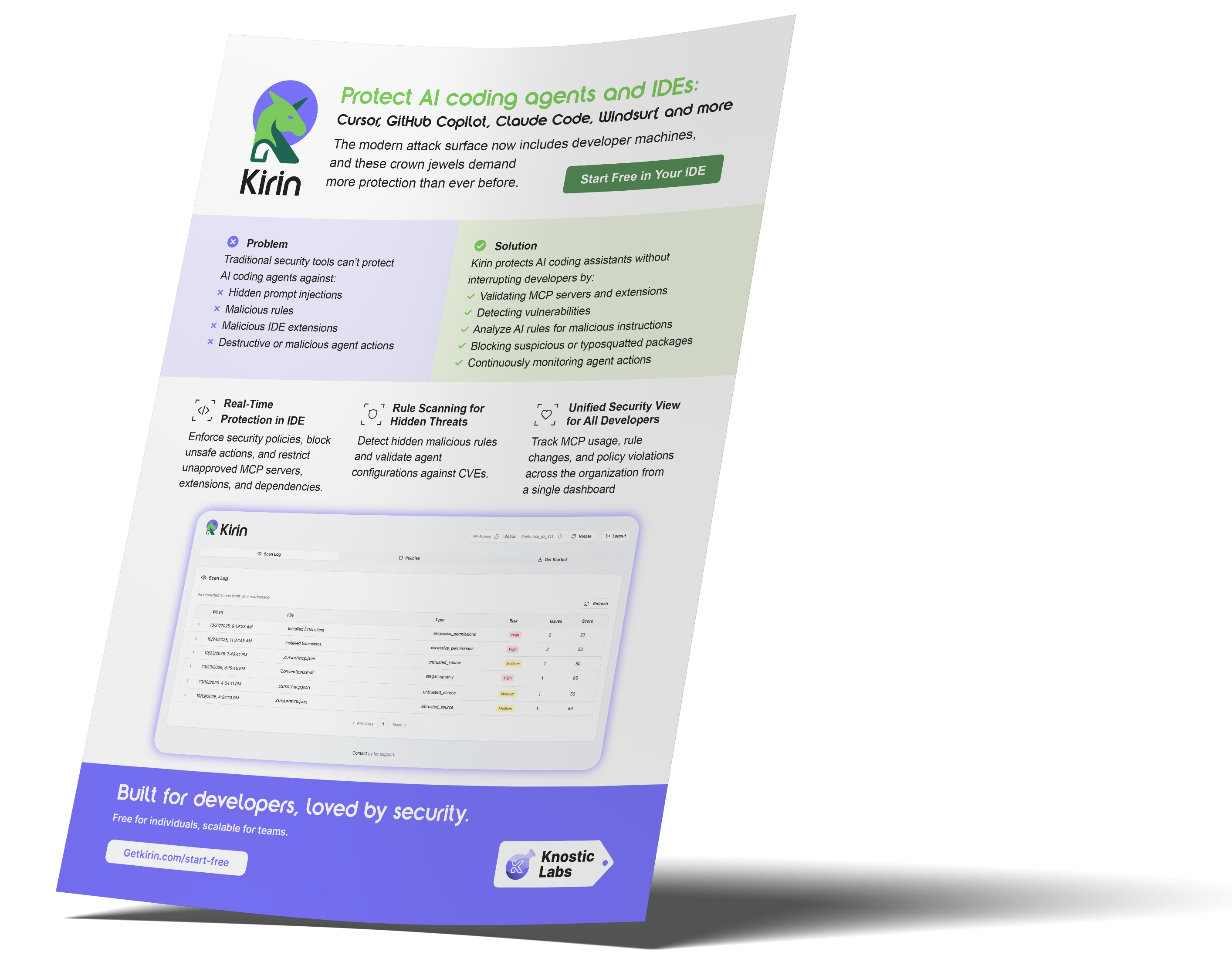
Enter Kirin by Knostic, a purpose-built solution designed to embed real-time protection and validation into every step of your MCP deployment journey. The product overview will show how Kirin inspects MCP connections in real-time, flags misconfigurations and unauthorized access, scans IDE extensions and dependencies, and provides centralized audit and visibility.
How Kirin supports your safe MCP rollout:
-
MCP Validation and Whitelisting: Kirin maintains an inventory of authorized MCP servers, and any unknown connection is flagged or blocked. This supports the metric of “% trusted vs. unverified connections.”
-
Continuous Drift Monitoring: Kirin tracks permission changes, server registry additions, client ID anomalies, and other relevant events. This supports the MTTD and blocked-unsafe-commands metrics.
-
In-IDE Policy Enforcement: Kirin integrates with coding assistants (like GitHub Copilot, Cursor, Claude Code) and ensures that if a developer tries to connect to a non-approved MCP or execute a disallowed tool, the action is blocked or logged.
-
Unified Visibility Across Developers and Workspaces: Kirin surfaces central dashboards showing which MCP servers are active, which developers connected when, what commands were executed, what blocks occurred, and what drift was detected. This visibility supports improvements in compliance scores, developer satisfaction tracking, and audit readiness.
Kirin enables a proactive, governed MCP environment that anticipates misuse and enforces policy in real time. By integrating Kirin into your MCP rollout strategy, you gain real-time control, measurable oversight, and the ability to scale intelligently without relinquishing security or governance. In short, deploy with confidence, and without risk.
FAQ
-
What does MCP deployment mean in AI development environments?
MCP deployment extends beyond technical setup. It involves the process of securing how AI coding agents access tools, data, and development environments. By standardizing the communication between IDEs, MCP servers, and AI assistants, organizations ensure that every context exchange and command execution follows defined permission policies and audit controls. In practice, this means AI systems gain only the access they need, reducing risks of code manipulation, data leakage, or unsafe automation while maintaining developer productivity.
-
What are the biggest risks of deploying MCP without safeguards?
The primary risks include inconsistent configurations (configuration drift), unapproved or shadow MCP server connections, misalignment between MCP settings and security/governance policies, and lack of audit visibility or rollback capability, any of which can lead to data exposure or uncontrolled tool behavior.
-
How can organizations safely roll out MCP across teams?
They should adopt a phased approach. Start with controlled pilots in sandboxed settings, integrate governance and policy-as-code as they scale, and then roll out to teams organization-wide with central management of configurations and logging. Finally, implement continuous oversight, automated scanning, permission reviews, and integration with SIEM/incident-response frameworks.
-
How does MCP integrate with CI/CD and Infrastructure as Code pipelines?
MCP integrates naturally with DevSecOps workflows by embedding permission and validation checks into CI/CD and infrastructure as code (IaC) stages. During build or deployment, MCP policies can automatically verify whether coding agents and tools are connecting through approved servers, ensuring that configuration changes, container images, and code commits adhere to compliance and access rules. This alignment provides security teams with real-time visibility while maintaining continuous and controlled automation.
Subscribe to our blog!

Data Leakage Detection and Response for Enterprise AI Search
Learn how to assess and remediate LLM data exposure via Copilot, Glean and other AI Chatbots with Knostic.


The Data Governance Gap in Enterprise AI
See why traditional controls fall short for LLMs, and learn how to build policies that keep AI compliant and secure.

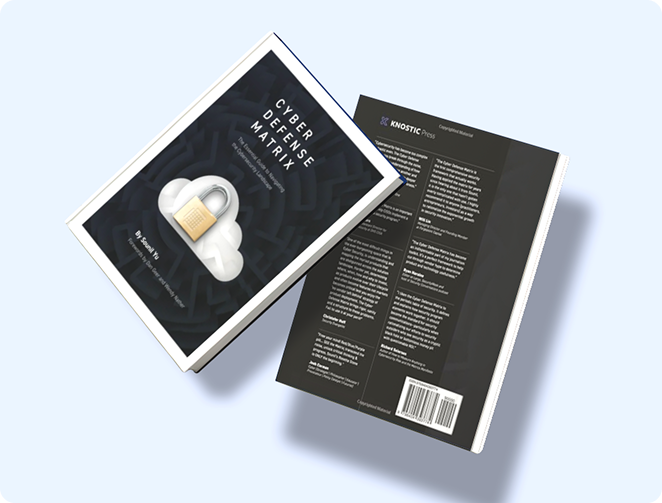
Rethinking Cyber Defense for the Age of AI
Learn how Sounil Yu’s Cyber Defense Matrix helps teams map new AI risks, controls, and readiness strategies for modern enterprises.

Extend Microsoft Purview for AI Readiness
See how Knostic strengthens Purview by detecting overshared data, enforcing need-to-know access, and locking down AI-driven exposure.

Build Trust and Security into Enterprise AI
Explore how Knostic aligns with Gartner’s AI TRiSM framework to manage trust, risk, and security across AI deployments.

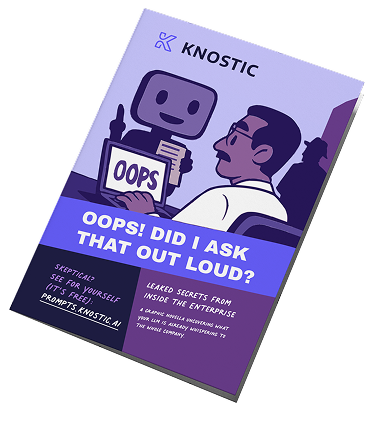
Real Prompts. Real Risks. Real Lessons.
A creative look at real-world prompt interactions that reveal how sensitive data can slip through AI conversations.

Stop AI Data Leaks Before They Spread
Learn how Knostic detects and remediates oversharing across copilots and search tools, protecting sensitive data in real time.
Accelerate Copilot Rollouts with Confidence
Equip your clients to adopt Copilot faster with Knostic's AI security layer, boosting trust, compliance, and ROI.

Reveal Oversharing Before It Becomes a Breach
See how Knostic detects sensitive data exposure across copilots and search, before compliance and privacy risks emerge.

Unlock AI Productivity Without Losing Control
Learn how Knostic helps teams harness AI assistants while keeping sensitive and regulated data protected.

Balancing Innovation and Risk in AI Adoption
A research-driven overview of LLM use cases and the security, privacy, and governance gaps enterprises must address.

Secure Your AI Coding Environment
Discover how Kirin prevents unsafe extensions, misconfigured IDE servers, and risky agent behavior from disrupting your business.