


AI coding assistants churn out insecure code, but a less-discussed issue is their handling of secrets and their potential to leak keys and other sensitive data.
We begin by dissecting Claude Code’s automatic loading of .env secrets, then show how this reflects a broader pattern of secret mishandling using real-world incidents that involved one of our customers and our CEO, and conclude with two public MCP-related cases demonstrating how agents could expose sensitive data.
Deep Dive: Claude Code Automatically Loads .env Secrets
While monitoring suspicious network behavior, Dor Munis noticed an HTTP status code 407 (Proxy Authentication Required) error when trying to use Claude Code’s /login command. Initially, he suspected an issue with Cloudflare or his shared office network. However, when he curl’ed Anthropic’s API, he received a normal 200 status response.
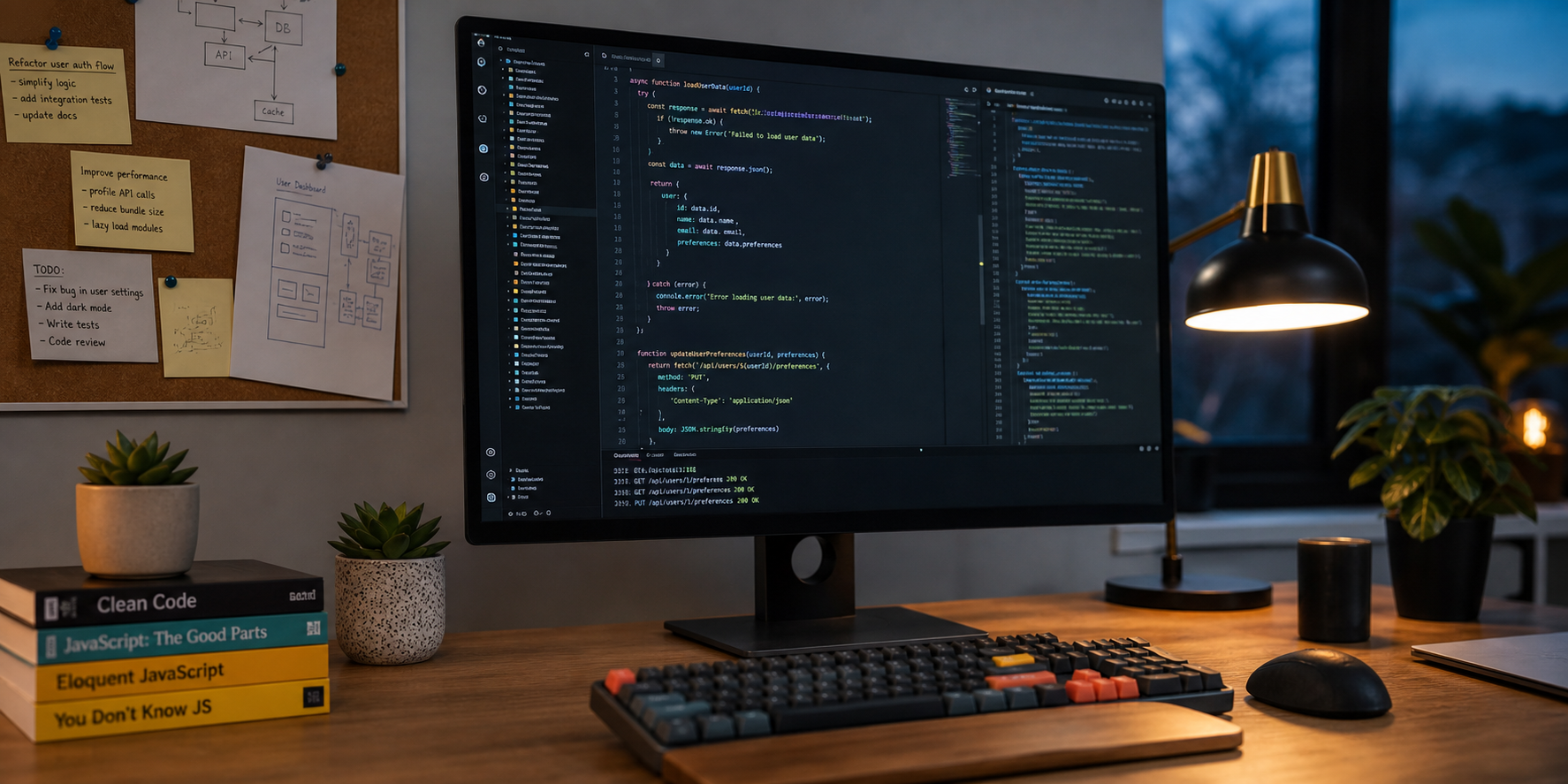
Running Claude Code in debug mode revealed that it was accessing his HTTP_PROXY environment variable, which had been loaded from a .env file inside one of his project directories. His proxy bill was also unusually high. Relocating the .env file outside the project directory resolved the issue, confirming that Claude Code had been automatically loading .env* files.
What happened
Anthropic’s Claude Code automatically reads .env, .env.local, and similar environment variable files. Developers intentionally exclude these from version control because they contain secrets. Yet Claude Code loads them silently, without asking or any clear disclosure of this behavior in its documentation.
Any secrets stored in these files, including API keys, proxy credentials, tokens, and passwords, are silently loaded into memory. Once in memory, seemingly harmless commands could do major damage. Claude Code could use a 'safe' command like 'echo' - and if granted permissions, it could expose all your secrets, such as private API keys.
Likely Causes
The behavior likely results from Claude Code using dotenv, dotenvx, or a similar npm package that loads environment variables automatically. If that is the case, the underlying JavaScript logic may make it difficult to avoid reading .env* files in the current working directory.
Even if this was intended behavior, it is not mentioned by Anthropic in any documentation, including their terms of service.
Examples of Secret Leakage by Coding Assistants
This behavior is not isolated to a single tool or configuration. The following examples show how AI coding assistants have mishandled sensitive information in real environments, leading to unintended exposure of secrets.
Customer Incident: Cursor Uploads an API Key
One of Knostic’s customers using Cursor encountered a case where the agent attempted to upload an unrelated local file to the cloud. Hidden in that upload was an API key that had been swept up automatically by the coding agent without user authorization. Knostic's Kirin detected and stopped the attempt.
CEO Incident: Claude Code Commits an API Key to GitHub
Our CEO, Gadi Evron, was coding with Claude Code in an isolated test environment. Claude Code included his Gemini API key in a test file and uploaded the file to a branch in a project he was working on.
In his work environment, he uses Kirin to help prevent these issues.
Public MCP-Related Data Exfiltration Incidents
In these cases, MCP acts as the amplification layer. Once an agent has access to secrets, whether from .env files, runtime memory, or mounted filesystems, MCP provides the mechanism to transmit them externally without user awareness.
WhatsApp Data Exfiltration via MCP and Docker
A recent incident showed how a WhatsApp MCP server running inside a Docker container allowed WhatsApp data to be exfiltrated through an AI assistant. Once the agent had filesystem access, it was able to read and transmit data the user never intended to expose.
Supply Chain Attacks Using MCP Integrations
Kaspersky researchers demonstrated that MCP integrations can be abused in supply chain attacks, enabling malicious or compromised extensions to siphon secrets, credentials, SSH keys, and tokens.
Assume Everything is Accessible
For any developer or vibe coder using coding assistants, the safest assumption is:
Even with restrictions in place, these agents are probabilistic systems and cannot be trusted to reliably enforce policy boundaries. This is why we developed Kirin.
.env-Specific Mitigations for Claude Code
These incidents reflect a deeper design problem. Loading sensitive files or transmitting them outside your perimeter without permission should never be the default.
Specifically for Claude Code, here are some suggested security mitigations:
-
Move .env files outside active project directories.
-
Add deny rules in ~/.claude/settings.json or .claudeignore (e.g., Read(./.env*)). While not guaranteed, this may reduce exposure.
-
Disable Claude’s auto-run or background features in sensitive repositories. Avoid auto-run entirely.
-
Use Claude Code inside a container or isolated environment to restrict file access.
-
Don't store secrets in your .env file; instead, use vault solutions as recommended by OWASP
-
Use Kirin to help detect and prevent secret leakage.
About Knostic’s Kirin:
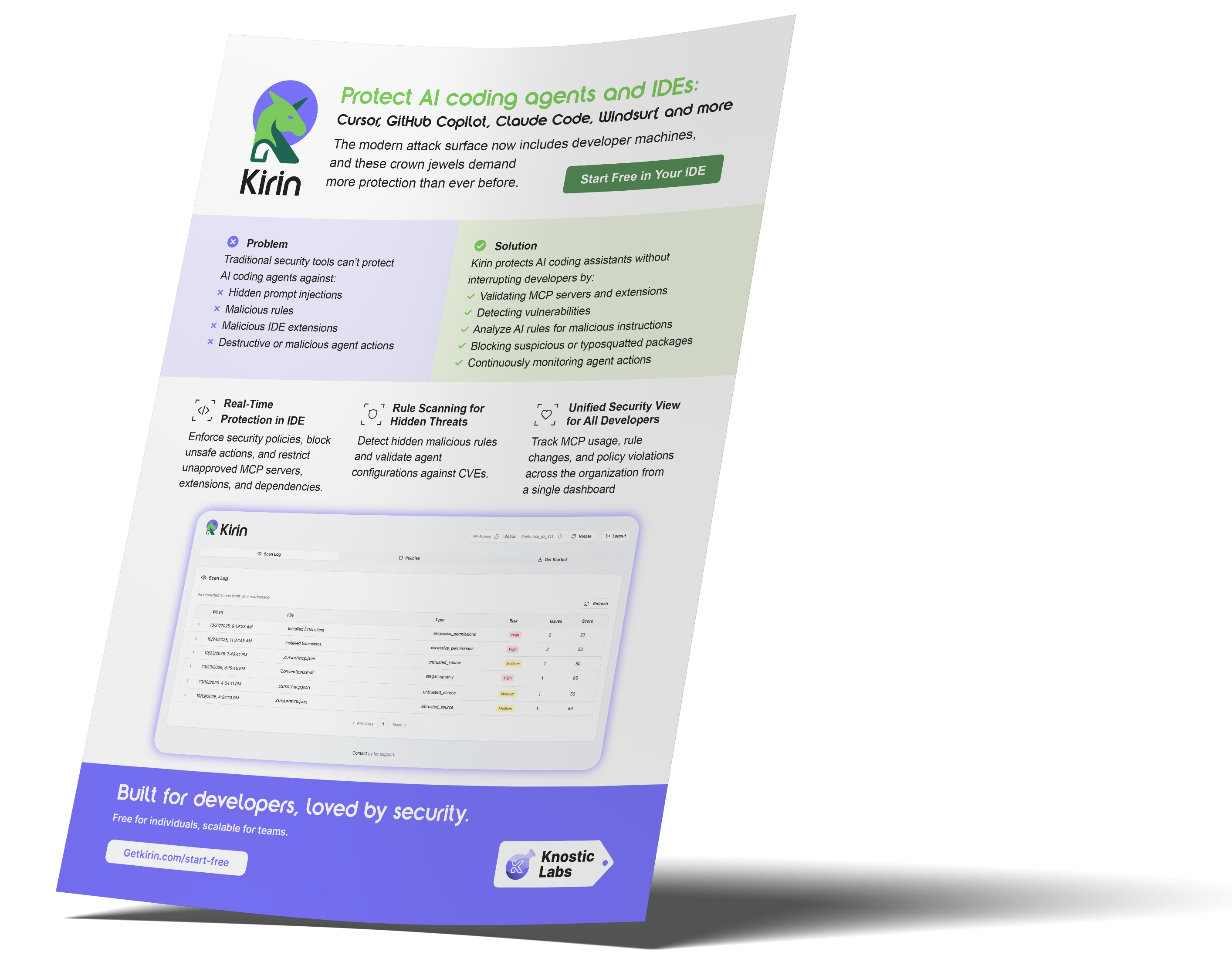
Knostic’s Kirin protects agents, specifically AI coding assistants, from malicious MCP servers, extensions, and rules, while providing detection and response, posture management, a comprehensive inventory, and a reputation system for safe ingestion.
Learn more Here
Credit to Dor Munis for the research
Subscribe to our blog!
Data Leakage Detection and Response for Enterprise AI Search
Learn how to assess and remediate LLM data exposure via Copilot, Glean and other AI Chatbots with Knostic.


The Data Governance Gap in Enterprise AI
See why traditional controls fall short for LLMs, and learn how to build policies that keep AI compliant and secure.

Rethinking Cyber Defense for the Age of AI
Learn how Sounil Yu’s Cyber Defense Matrix helps teams map new AI risks, controls, and readiness strategies for modern enterprises.

Extend Microsoft Purview for AI Readiness
See how Knostic strengthens Purview by detecting overshared data, enforcing need-to-know access, and locking down AI-driven exposure.

Build Trust and Security into Enterprise AI
Explore how Knostic aligns with Gartner’s AI TRiSM framework to manage trust, risk, and security across AI deployments.

Real Prompts. Real Risks. Real Lessons.
A creative look at real-world prompt interactions that reveal how sensitive data can slip through AI conversations.

Stop AI Data Leaks Before They Spread
Learn how Knostic detects and remediates oversharing across copilots and search tools, protecting sensitive data in real time.
Accelerate Copilot Rollouts with Confidence
Equip your clients to adopt Copilot faster with Knostic's AI security layer, boosting trust, compliance, and ROI.

Reveal Oversharing Before It Becomes a Breach
See how Knostic detects sensitive data exposure across copilots and search, before compliance and privacy risks emerge.

Unlock AI Productivity Without Losing Control
Learn how Knostic helps teams harness AI assistants while keeping sensitive and regulated data protected.
Balancing Innovation and Risk in AI Adoption
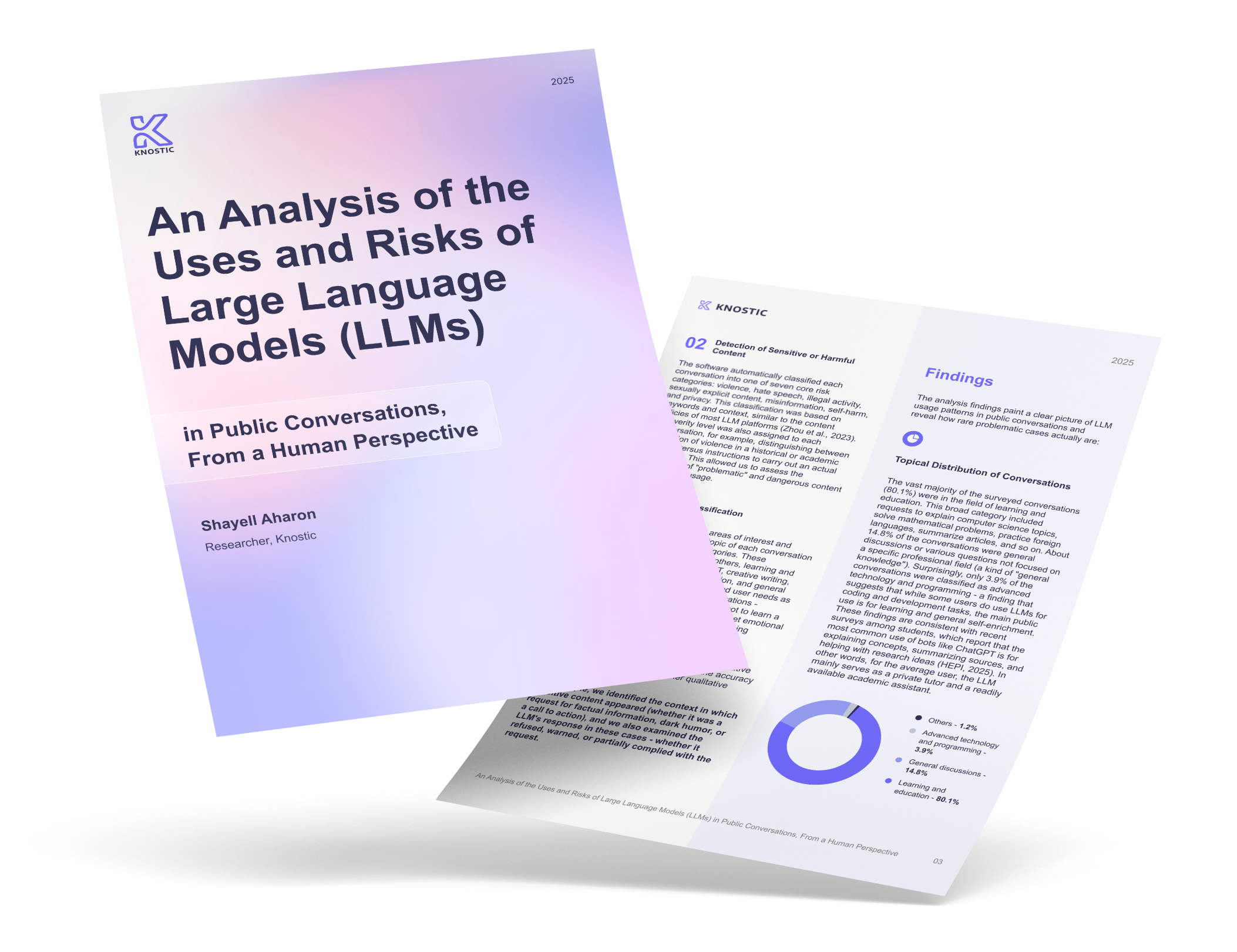
A research-driven overview of LLM use cases and the security, privacy, and governance gaps enterprises must address.

Secure Your AI Coding Environment
Discover how Kirin prevents unsafe extensions, misconfigured IDE servers, and risky agent behavior from disrupting your business.
Tags:
research findings